NewGlassy UI for React Native appsNow for React Native

Glass without effort.

Glassy UI brings 38 free React glass components to your app, with React Native versions for iOS and Android. Install with shadcn. Own the code.

Glass Horizon

Nuit Blanche

Home
On
Off
Appearance

Every piece of this screen is a Glassy UI component. Try the menus, sliders and dock.

Same components. In React Native.

  • A bubble that springs.Its glass springs between the options.
  • The system’s own glass.iOS 26 draws every surface itself.
  • Checks that draw in.Each mark draws itself as you tap.
  • A knob that turns to glass.Under your finger, as the switch slides.
  • A blur everywhere else.Android and the web blur what sits behind.
  • Install with shadcn.29 components. Every file is yours.

Everything an app needs.

38 components on one glass, and every tile is live. Copy the source and make it yours.

Browse all 38 components

Scene

A WebGL2 canvas that refracts a backdrop image through the glass components inside it.

Lens

A draggable magnifier with a glass rim that bends the content beneath it.

Dock

A row of app icons on a glass shelf, with labels on hover and focus.

CommandNew

A searchable command list that filters as you type, alone or in a dialog.

CheckboxNew

A glass checkbox with an optional label, description and indeterminate state.

AlertNew

A tinted glass message with four tones, an icon and an optional dismiss button.

AvatarNew

A round photo that falls back to initials, with a presence dot and stacked groups.

ProgressNew

A glass progress bar for known values, with a sweeping state for unknown lengths.

PaginationNew

Numbered page buttons with previous and next, folding long runs into an ellipsis.

Demos ready. Update 0.

The liquid lab.

Drag the drops apart and together, then tune the glass.

Index
Thickness
Bevel
Dispersion
Frost
Merge

Bends light.In any browser.

Give the glass its backdrop and Safari, Chrome and Firefox all bend it the same way. Scroll to watch.

Light, depth and motion.

Every component shares one glass. It bends what sits behind it, catches light at its rim and moves on a spring.

Real refraction.

Drag the lens, or focus it and use the arrow keys. Its rim bends whatever sits beneath.

Look closer.

Every browser.

The same frost, rim and highlights everywhere. Over live content, Chromium adds a refracting edge.

SafariChromeFirefoxEdge

Follows your settings.

Reduce Transparency turns the glass solid. Reduce Motion holds it still. Try both.

Keyboard first.

Built on Radix, so every control works with Tab, the arrow keys and Escape.

Yours to edit.

Components land in your repo as source. No package to update, nothing to eject.

  • components/glassyui/glass-dock.tsx
  • components/glassyui/glass-surface.tsx
  • components/glassyui/lib/merge-refs.ts
  • components/glassyui/lib/refraction-map.ts
  • components/glassyui/lib/slab-optics.ts
  • components/glassyui/lib/use-refraction-filter.tsx
  • components/glassyui/lib/scene-context.ts
  • components/glassyui/glass-provider.tsx
  • components/glassyui/liquid-filters.tsx
  • components/glassyui/lib/preferences.ts
  • components/glassyui/styles/liquid.css

Glass for React Native and Expo.

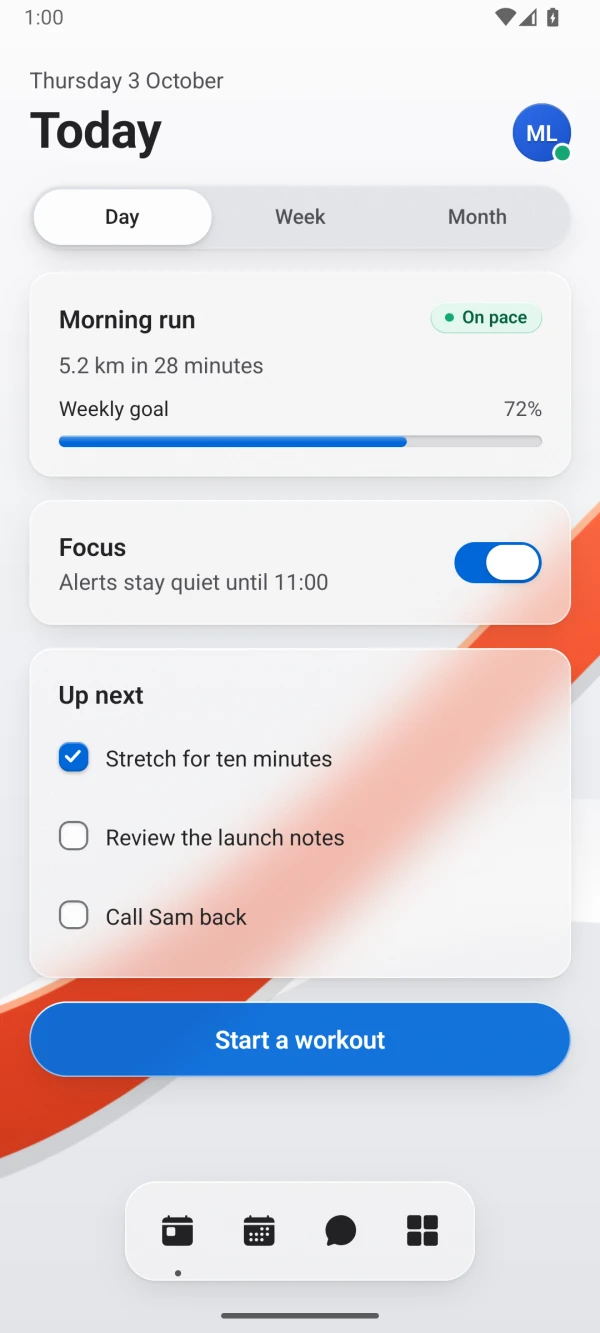
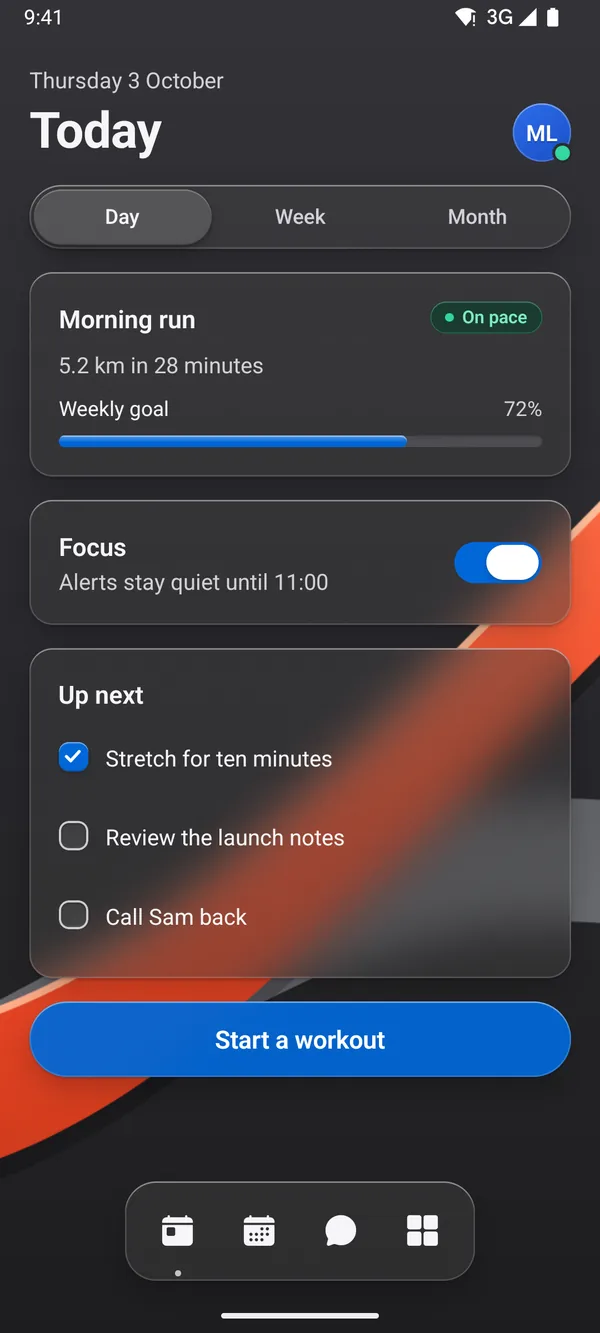
Supported iOS 26+ devices draw the system’s own glass. Earlier iOS uses blur; Android blurs content inside GlassBackdrop.
See React Native
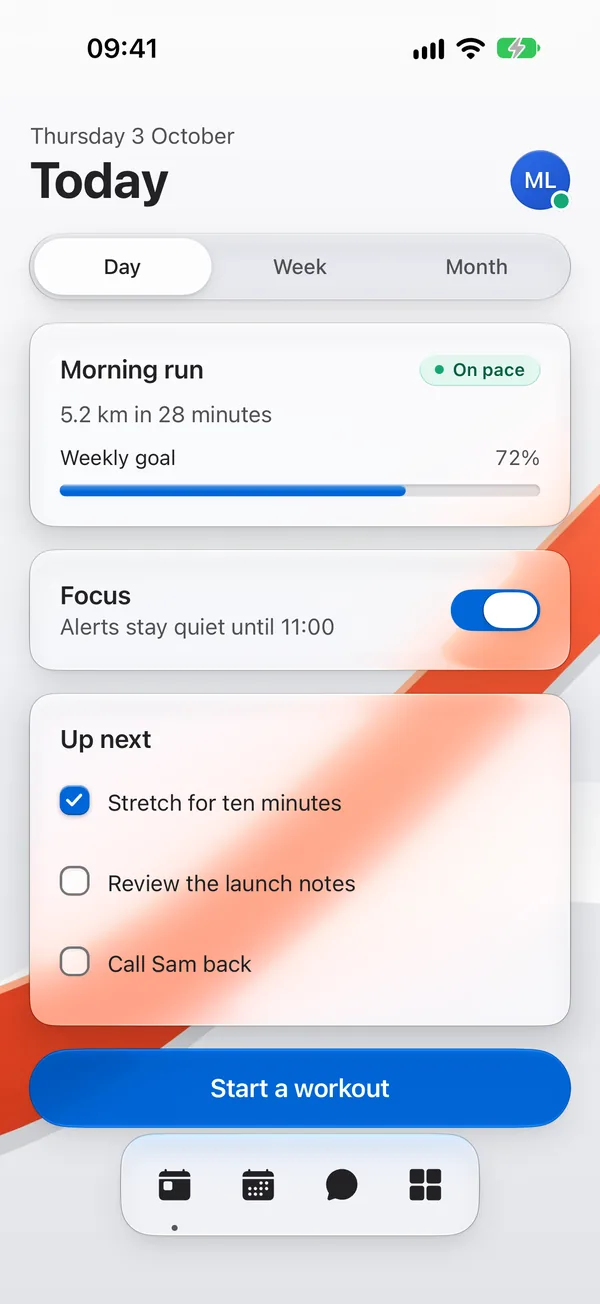
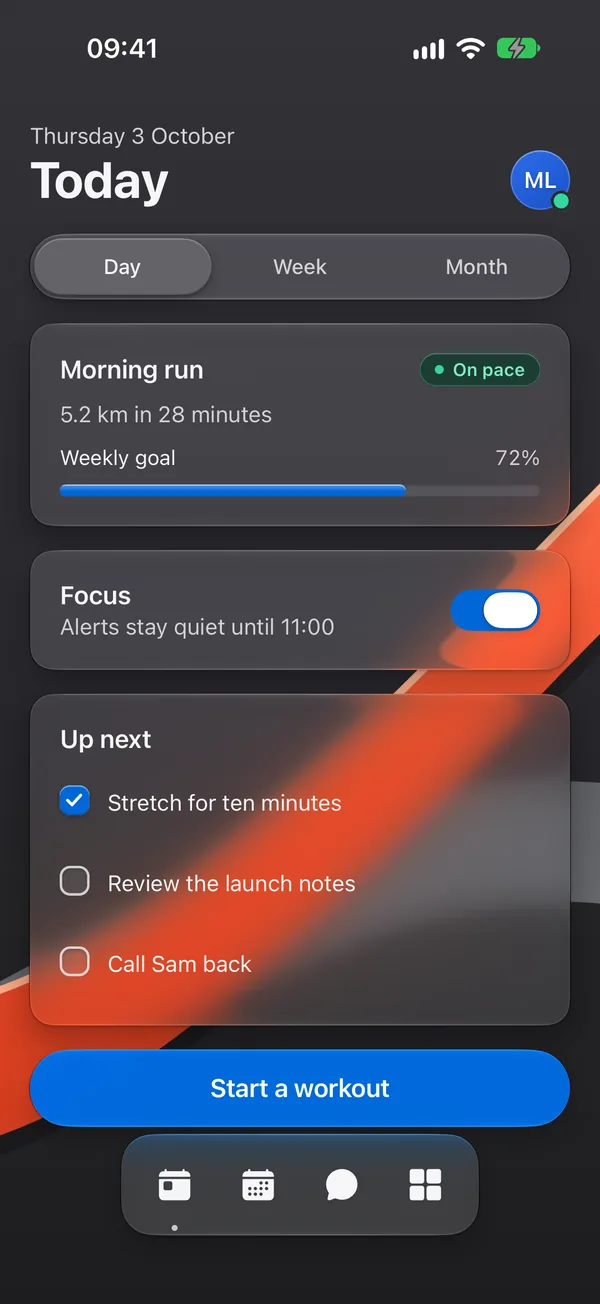
A Today screen built from Glassy UI components on iOS 27: glass cards, a segmented control, a switch, checkboxes and a dock over red ribbon artwork.A Today screen built from Glassy UI components on iOS 27: glass cards, a segmented control, a switch, checkboxes and a dock over red ribbon artwork.
iOSThe system’s own glass
The same Today screen on Android, its glass blurring the ribbon artwork behind it.The same Today screen on Android, its glass blurring the ribbon artwork behind it.
AndroidA blur of the screen behind
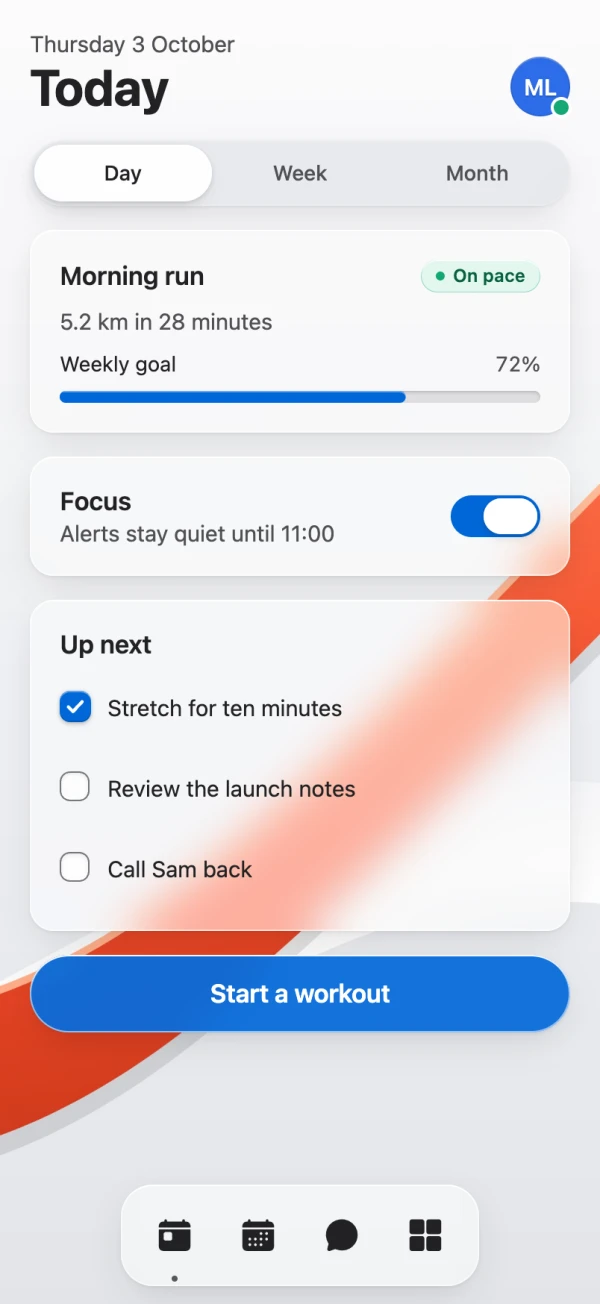
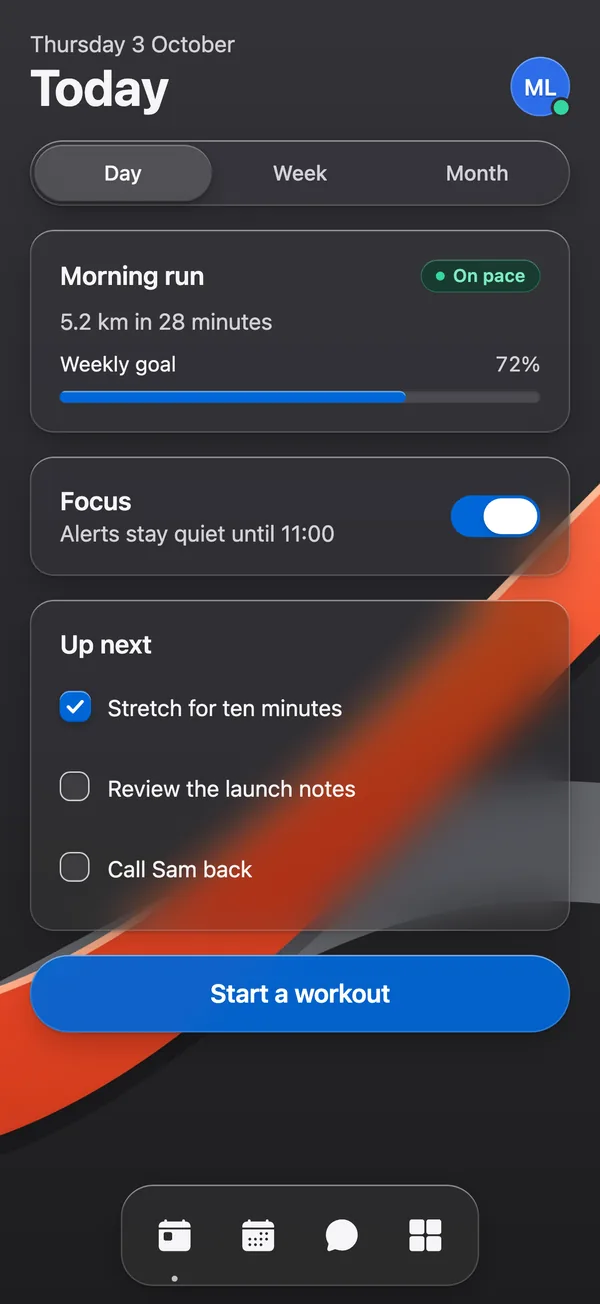
The same Today screen in a phone-sized browser window, its glass blurred with CSS.The same Today screen in a phone-sized browser window, its glass blurred with CSS.
WebCSS blur through React Native for Web

From preview to your app.

Glassy UI installs through the shadcn CLI, so every file lands in your repo.

  1. Choose a component

    Try the preview and find your starting point.

    Browse components
  2. Install it your way

    Use the CLI or copy the source into your app.

    Installation guide
  3. Make it yours

    Every file is in your repo, ready to change.

    Explore Glass Button

Start with one component.

Free and open source. Every file is yours to read and change.