Provider
Sets the theme and accessibility preferences that every Glassy UI component follows.
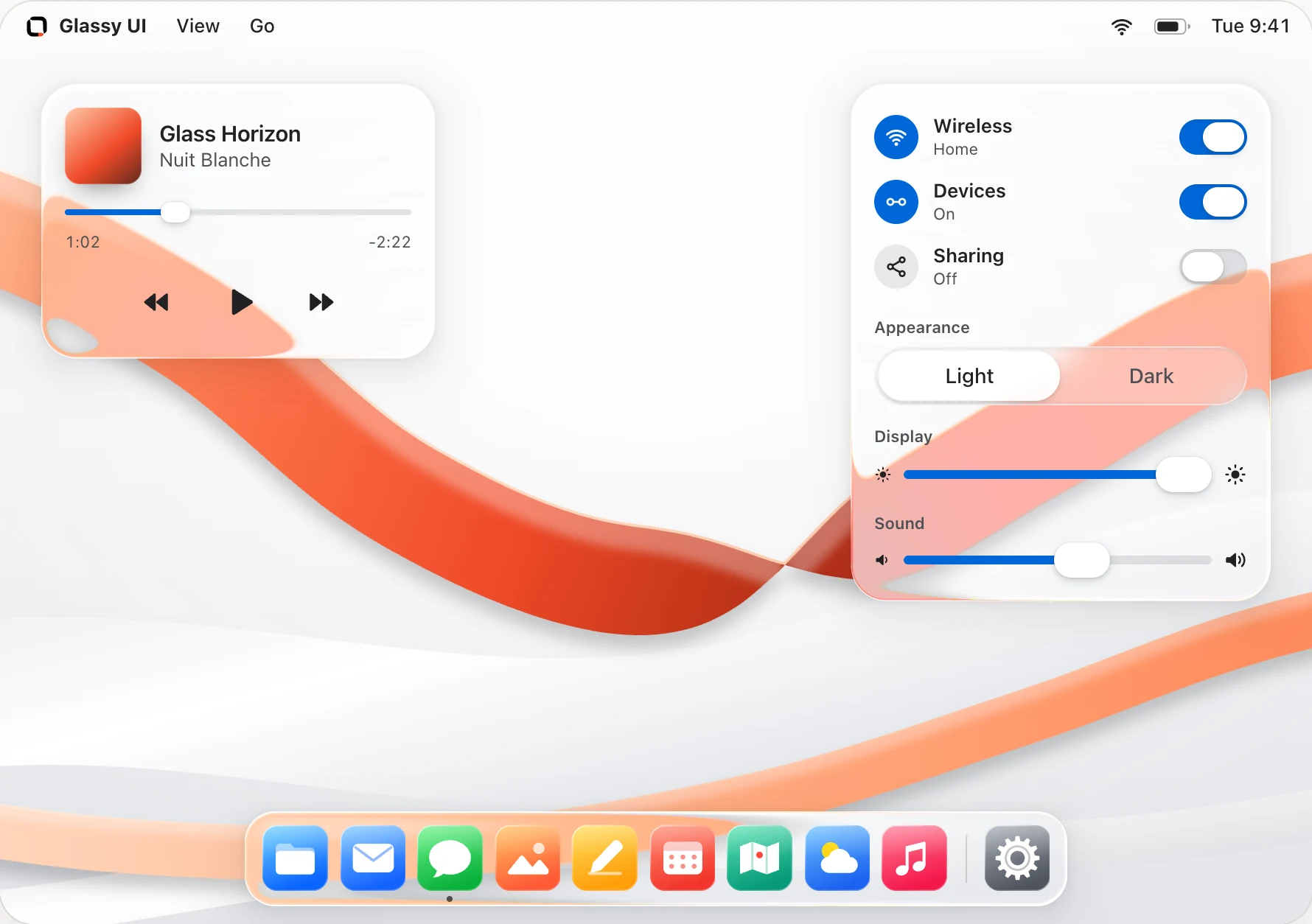
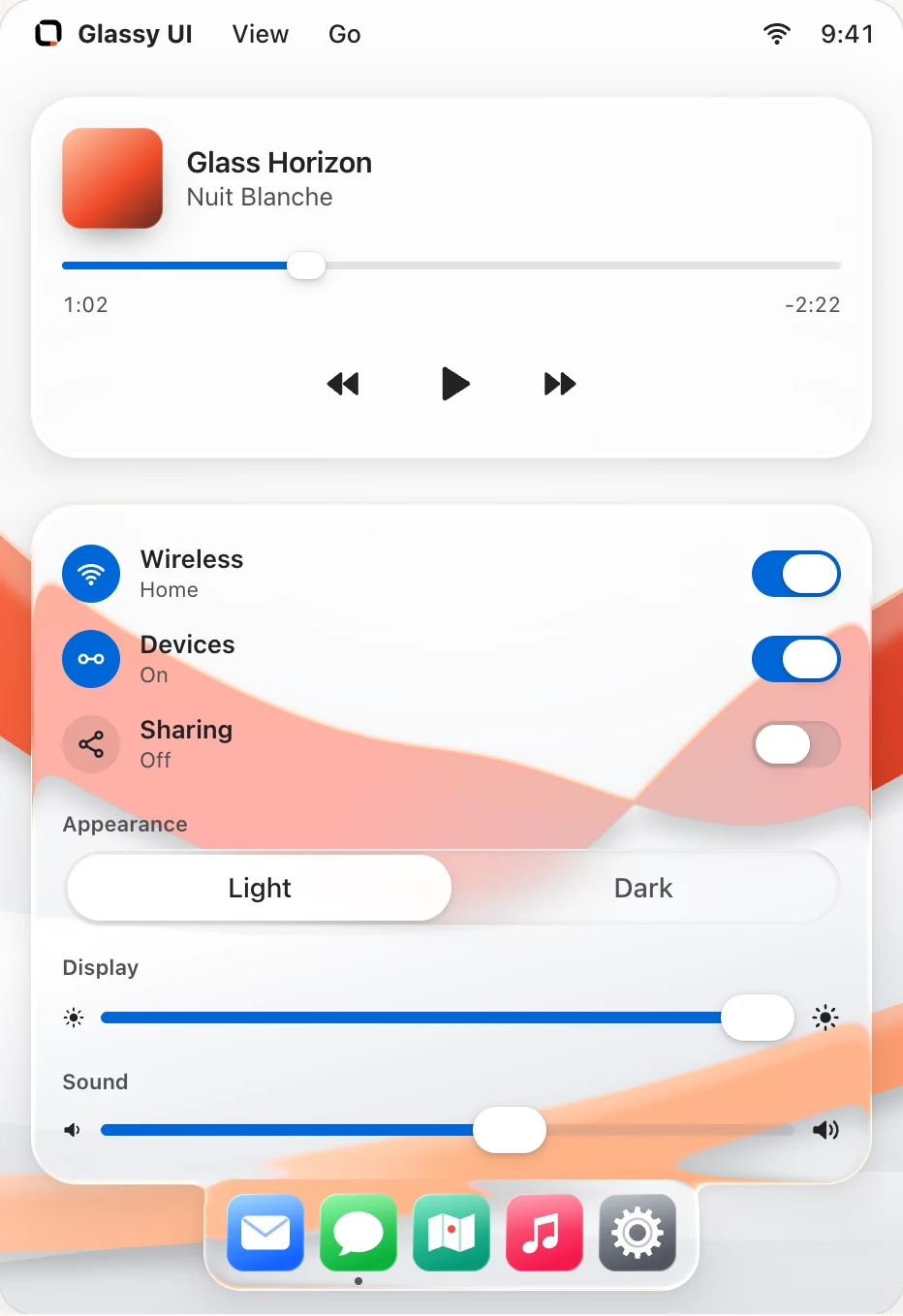
38 accessible React components. Each one installs as source with one command.
Sets the theme and accessibility preferences that every Glassy UI component follows.
The glass material as a plain div, for building your own glass components.
A glass container in a panel, card or pill shape.
A round photo that falls back to initials, with a presence dot and stacked groups.
A keycap for showing keyboard shortcuts in menus, hints and docs.
A scroll container with a thin glass scrollbar that shows on hover and while scrolling.
A glass button with four variants, three sizes and an asChild mode for links.
A recessed glass text field with an optional label and hint.
A glass checkbox with an optional label, description and indeterminate state.
A group of glass radio buttons where exactly one option is chosen.
A recessed glass text area that can grow with its text.
A select field whose options open on a raised glass panel.
A glass on/off switch in two sizes.
A glass slider for one value or a range, with one named thumb per value.
A single-choice glass control for two to six options, with a draggable selection.
A modal glass dialog with an overlay, a focus trap and a close button.
A glass popover anchored to the control that opens it.
A modal glass panel that slides in from a screen edge; bottom sheets drag down to close.
A glass dropdown menu with shortcuts, checkbox and radio items, and submenus.
A searchable command list that filters as you type, alone or in a dialog.
A floating glass header with a brand, navigation links, actions and a compact menu.
Tabs on a glass pill, with one indicator that moves to the selected tab.
Collapsible glass sections that open one at a time or several at once.
A row of app icons on a glass shelf, with labels on hover and focus.
A breadcrumb trail to the current page, with an ellipsis for folded steps.
Numbered page buttons with previous and next, folding long runs into an ellipsis.
A small glass label that appears on hover and keyboard focus.
A glass notification for brief updates that screen readers announce.
A small tinted glass label for status, counts and categories.
A glass progress bar for known values, with a sweeping state for unknown lengths.
A small spinning ring that tells screen readers something is loading.
A glass placeholder block, circle or set of text lines shown while content loads.
Heads up
Saved
Almost full
Payment failed
A tinted glass message with four tones, an icon and an optional dismiss button.
A closer look at the details.
A draggable magnifier with a glass rim that bends the content beneath it.
Glassy UI
Light bends at every edge.
A WebGL2 canvas that refracts a backdrop image through the glass components inside it.

A logo sting: a ball of thick glass swells around your mark, squares into a glass tile and clears, leaving the real mark.
Demos ready. Update 0.