React
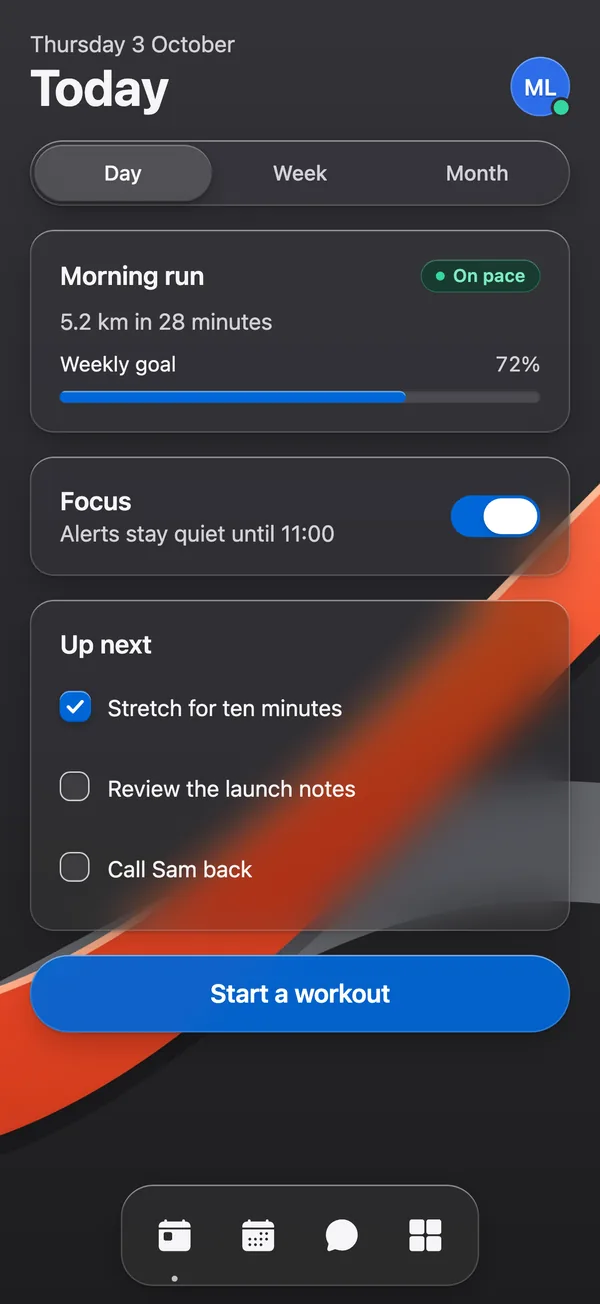
For Next.js, Vite and other web apps with Tailwind CSS 4. The glass is drawn with CSS, SVG and WebGL.
pnpm dlx shadcn@4.14.1 add @glassyui/glass-button<GlassButton variant="prominent" onClick={save}>
Save
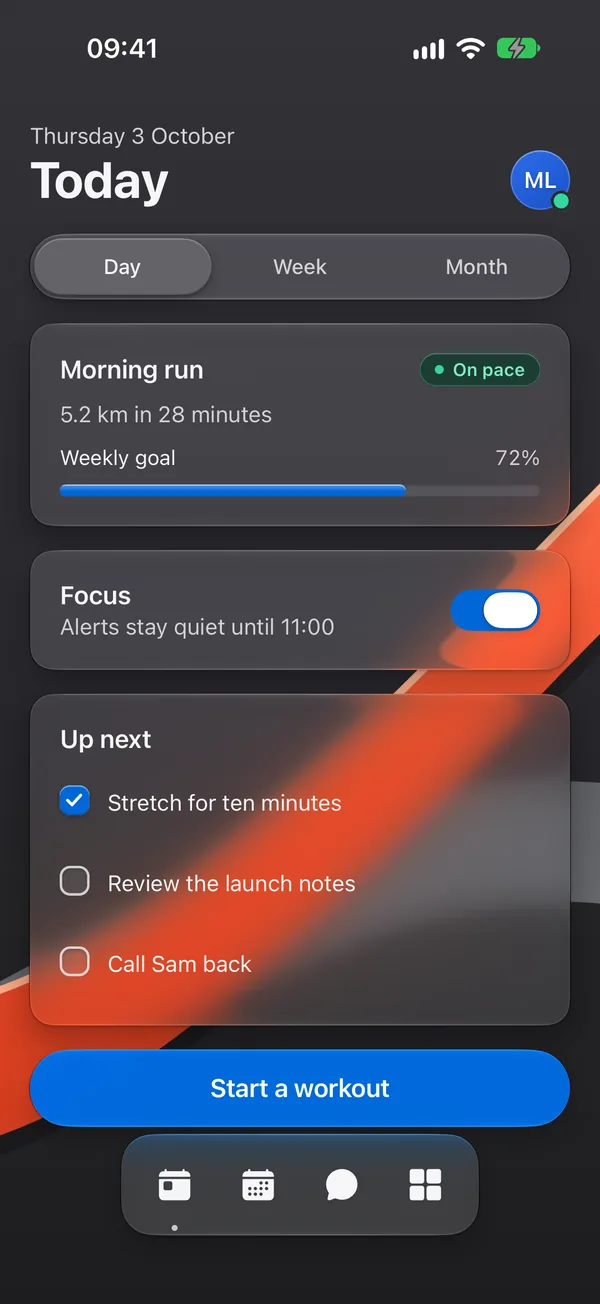
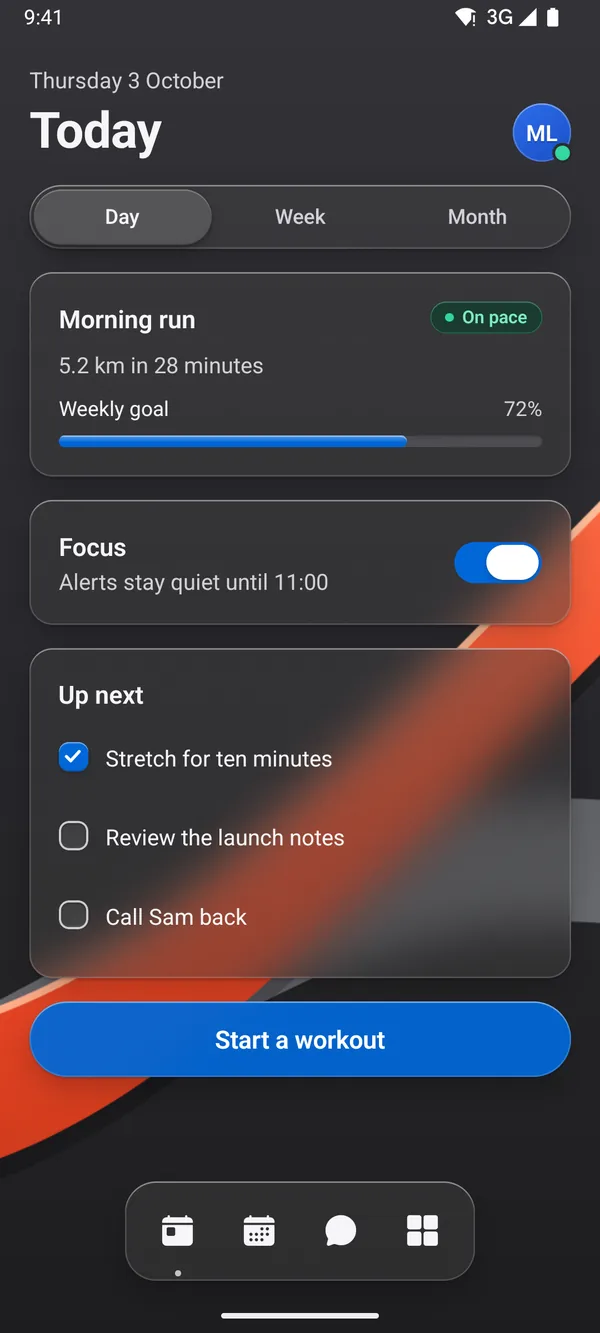
</GlassButton>The same components for React Native and Expo. iOS 26 draws them with the system’s own Liquid Glass; Android and the web blur. Install with shadcn. Own the code.
npx shadcn@4.14.1 add @glassyui-native/glass-button


One set of names and props from two registries. Every component page switches between them.
For Next.js, Vite and other web apps with Tailwind CSS 4. The glass is drawn with CSS, SVG and WebGL.
pnpm dlx shadcn@4.14.1 add @glassyui/glass-button<GlassButton variant="prominent" onClick={save}>
Save
</GlassButton>For Expo apps on iOS, Android and the web. iOS 26 draws the glass itself; elsewhere it blurs.
npx shadcn@4.14.1 add @glassyui-native/glass-button<GlassButton variant="prominent" onPress={save}>
Save
</GlassButton>The shadcn CLI copies each component into your app, so every file is yours.
Read the Expo guideExpo apps write their own components.json.
{
"$schema": "https://ui.shadcn.com/schema.json",
"style": "new-york",
"rsc": false,
"tsx": true,
"tailwind": { "config": "", "css": "", "baseColor": "neutral", "cssVariables": true },
"aliases": { "components": "@/components", "utils": "@/lib/utils" },
"registries": {
"@glassyui-native": "https://glassyui.com/r/native/{name}.json"
}
}Its packages come with it.
npx shadcn@4.14.1 add @glassyui-native/glass-buttonLine the packages up with your Expo version.
npx expo install --fixOpen one to see its React Native code. Scene, lens and the other web patterns stay on the web.
Free and open source, on the web and in apps.